
Microsoft Copilot to Human Text Converter
Convert Microsoft Copilot's AI-generated text into natural, authentic human writing. Make Copilot-drafted documents, emails, and reports sound personally written.
What Makes Microsoft Copilot Text Detectable?
Microsoft Copilot, powered by GPT-4 and integrated across Microsoft 365 (Word, Excel, Teams, Outlook, and more), produces text with a distinctive enterprise writing style. Copilot is optimized for professional, corporate communication — which means its outputs tend to be polished, formal, and structured in ways that are immediately recognizable.
Copilot text has a characteristic business writing pattern: well-organized bullet points, formal transitional phrases, measured language that hedges appropriately for corporate communication, and a consistent professional tone that rarely varies. This consistency and formality — while appropriate for professional contexts — is one of the clearest signals of AI-generated business text.
As Copilot becomes embedded in enterprise workflows, AI detectors have specifically trained to identify its output patterns. Our Copilot converter addresses the corporate AI writing signatures: the uniform formality, the predictable structure, the over-hedged language, and the bullet-point mentality that pervades Copilot's prose outputs.

Where Copilot Text Needs Humanizing
Word Documents & Reports
Humanize Copilot-drafted reports and documents to sound like they came from a thoughtful human author.
Outlook Emails
Convert Copilot-suggested email drafts into warm, personable professional correspondence.
Teams Messages
Humanize Copilot-generated Teams messages and summaries for authentic team communication.
Business Proposals
Transform Copilot-drafted proposals into compelling, human-voiced pitches that win clients.
HR & Internal Communications
Humanize Copilot-generated HR documents, announcements, and internal communications.
Executive Summaries
Convert Copilot's structured summaries into polished, human-quality executive-level writing.
How to Humanize Copilot Text
Three simple steps to humanize your AI-generated text instantly.
Copy from Copilot
Copy Copilot-generated text from Word, Outlook, Teams, or any Microsoft 365 application.
Paste & Convert
Paste into our tool. We target Copilot's corporate-AI patterns and uniform formality.
Professional Human Output
Get naturally written professional text that sounds like an expert human wrote it.
Why Use RewriteAI for Copilot Conversion?
RewriteAI uses advanced humanization algorithms that preserve your meaning while eliminating the patterns AI detectors look for.
Corporate Tone Humanized
Removes Copilot's uniform corporate formality while maintaining appropriate professional tone.
Works Across M365 Apps
Humanize Copilot text from Word, Outlook, Teams, PowerPoint speaker notes, and more.
Reduces Bullet-Point Prose
Converts Copilot's tendency to write in bullet-point format even in flowing prose contexts.
Bypasses Business AI Detectors
Enterprise AI detection tools used in legal, academic, and compliance contexts are all addressed.
Preserves Professional Standards
Humanized output maintains the professionalism required for business contexts — just not the AI patterns.
Batch Processing Available
Humanize multiple Copilot-drafted documents quickly with premium batch processing.
Copilot's Productivity, Human Writing's Credibility
Microsoft Copilot has transformed productivity for millions of enterprise workers. The ability to draft reports, emails, and documents at scale is genuinely valuable — but the output often feels like it came from an AI assistant, because it did.
The problem isn't just AI detection. Colleagues, clients, and managers can sense AI-written communications even without formal detection tools. A report that reads like Copilot wrote it signals that the author didn't engage deeply with the material. A humanized version of the same report signals thought, care, and genuine expertise.
RewriteAI bridges the gap between Copilot's productivity advantage and the authenticity that professional communications require. Use Copilot to draft; use RewriteAI to make it yours.

Frequently Asked Questions
Everything you need to know about humanizing Microsoft Copilot AI text
Does this work with Copilot in Microsoft Word specifically?
Yes. Copy any Copilot-generated text from Word (or any other Microsoft 365 app), paste it into our tool, and convert it. Then paste the humanized text back into your document.
Is Copilot text the same as ChatGPT text for detection purposes?
Similar but not identical. Copilot is powered by OpenAI's models but with Microsoft's corporate safety layers and formatting biases. The detection patterns overlap with GPT but have distinct corporate writing characteristics.
Will humanizing break the document formatting?
Our tool processes plain text. Paste the text content, humanize it, then paste it back into your formatted document. Formatting (fonts, tables, etc.) is handled in your Microsoft 365 app, not affected by our tool.
Can my employer detect that I'm using a humanizer on Copilot output?
The humanizer processes text on our secure servers and produces output that appears human-written. There is no technical mechanism for an employer to detect that humanization was used on text.
Does this work for Teams meeting summaries?
Yes. Copilot's Teams meeting summaries and action items can be humanized to sound like your personal summary rather than an AI transcript.
Rewrite AI Helps You Improve Your Writing
Improve Clarity
Our rewriter improves text readability and clarity while preserving the original meaning. The result reads naturally, like human-written content.
Bypass Al Detectors
Our humanizer successfully bypasses AI detectors, which means producing human-like writing while preserving the original meaning and readability.
Plagiarism Free
Everything that has been rewritten is original. We make sure that your content passes plagiarism checks keeping authenticity and originality.
Unique AI Model
We use our own unique AI model that is trained on thousands of human texts. This allows us to deeply rewrite text in a human style and be undetectable by AI detectors.
SEO Optimized
Humanized text protects you from being flagged by Google and also makes your content better for search engines. Rewritten content is indistinguishable from human writing. This helps you to rank higher.
Private & Secure
Privacy matters to us. We use your text only for rewriting purposes. All data in transit is encrypted.
Why Choose RewriteAI Over Other Rewriting Tools?
Traditional Al rewriters rely on basic prompt engineering with models like ChatGPT and Claude, but advanced detectors easily catch these patterns. Our specially trained model learns from thousands of human-written texts to keep authentic writing styles natural.
Pricing
Choose the plan that works best for you
Free
- 500 words per month
- 300 words per input
- Basic Humanization Engine
- Plagiarism-free
- Undetectable results
- Multiple results
Basic
- 5,000 words per month
- 750 words per input
- Basic Humanization Engine
- Plagiarism-free
- Undetectable results
- Multiple results
Pro
- 30,000 words per month
- 1,500 words per input
- Bypass all AI detectors
- Advanced Humanization Engine
- Academic mode
- Plagiarism-free
- Undetectable results
- Multiple results
Max
- 200,000 words per month
- 3,000 words per input
- Bypass all AI detectors
- Advanced Humanization Engine
- Academic mode
- Plagiarism-free
- Undetectable results
- Ultra-human writing output
- Priority support
- Multiple results
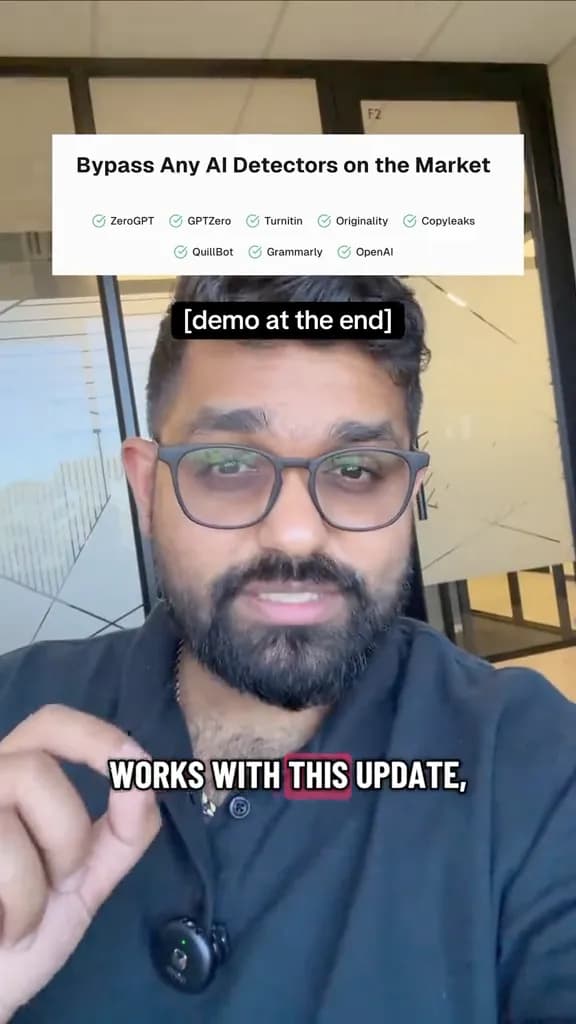

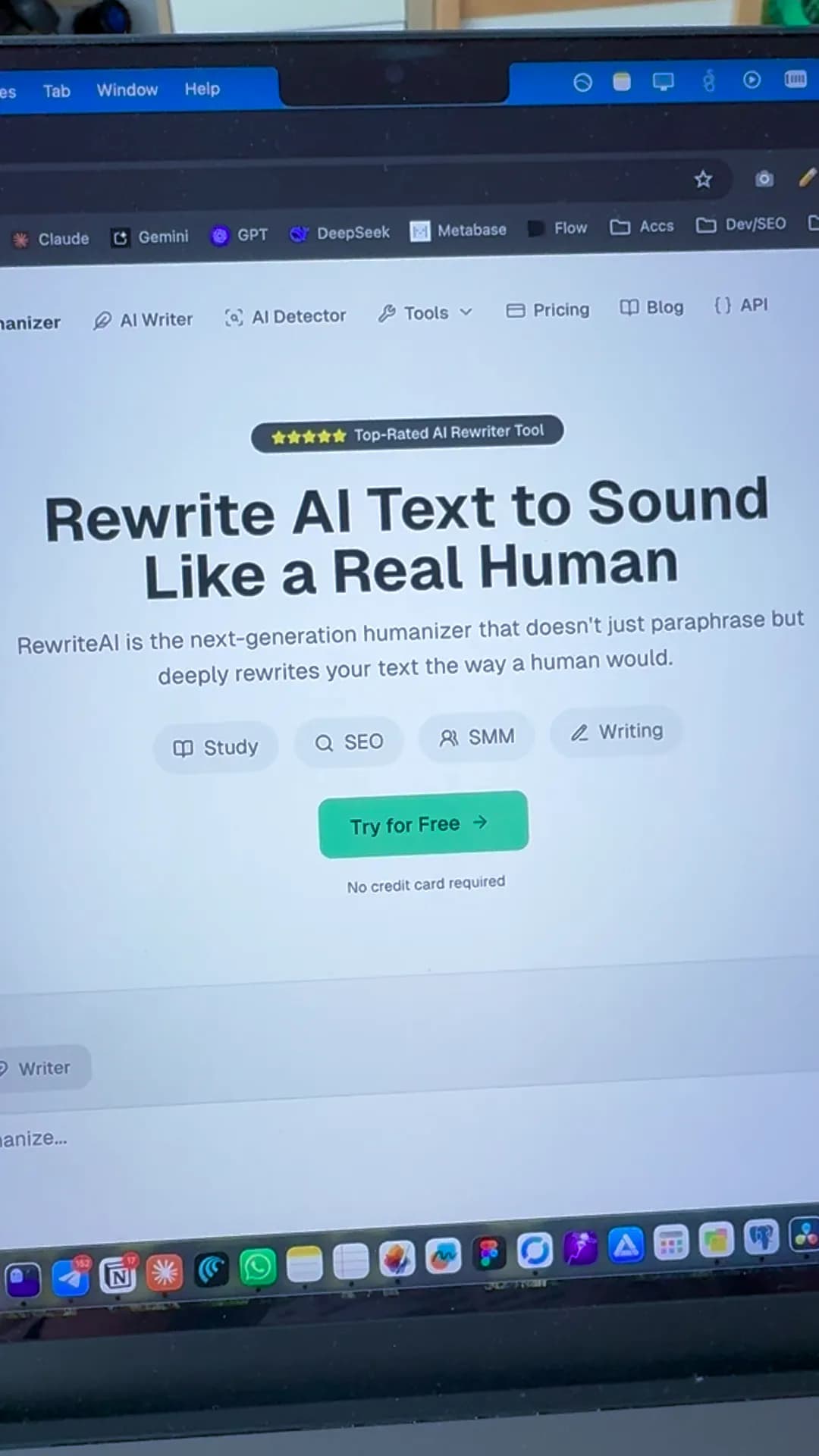
Post a Video and Use RewriteAI for Free
Post a short video about RewriteAI, send us the link, and we'll add up to 30,000 words to your account after a quick check.
Related Humanizer Tools
Convert ChatGPT outputs to human writing.
Humanize Google Gemini text.
Make AI emails sound professional and human.
Humanize AI-written cover letters.
Try humanizing for free.
Universal humanizer for all AI tools.
Humanize AI Text and Improve Your Writing Right Now
Rewrite for clarity, flow, and readability while keeping your original meaning and writing style.